Finestra from your phone
Finestra listens on localhost, so a phone reaches it the same way a laptop does — one SSH app, one port forward, and the desktop is in the mobile browser. Three screens in ConnectBot, then localhost:7070.
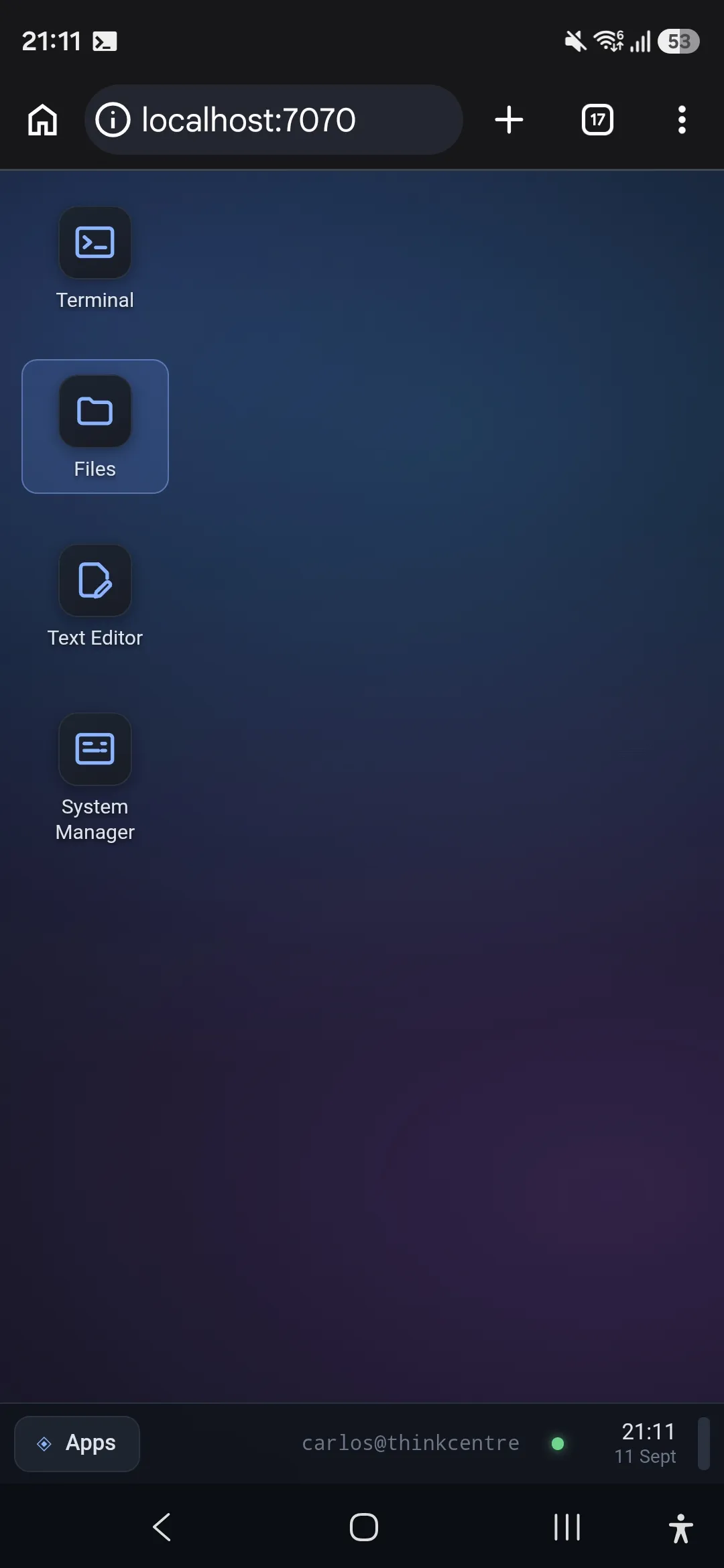
Finestra listens on localhost:7070 on the server and nowhere else. On a laptop
you reach it through the SSH connection you already have. A phone works exactly
the same way — the only thing missing is an SSH client that can forward a port,
and there is a good free one.
ConnectBot is on the Play Store, is open source, and has done local port forwarding for years. Three screens and you are in.
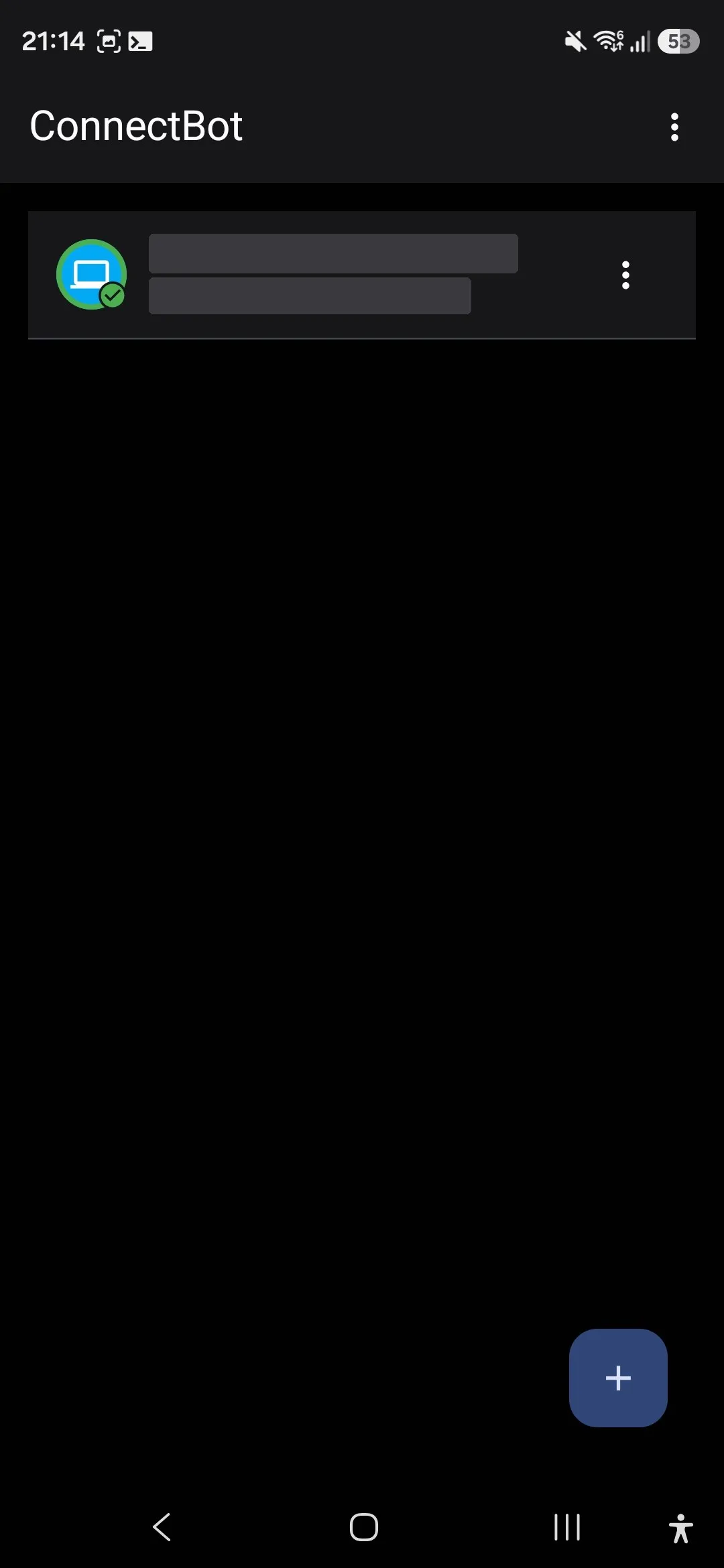
1. Create the connection
Add a host the usual way — user@host, port 22.
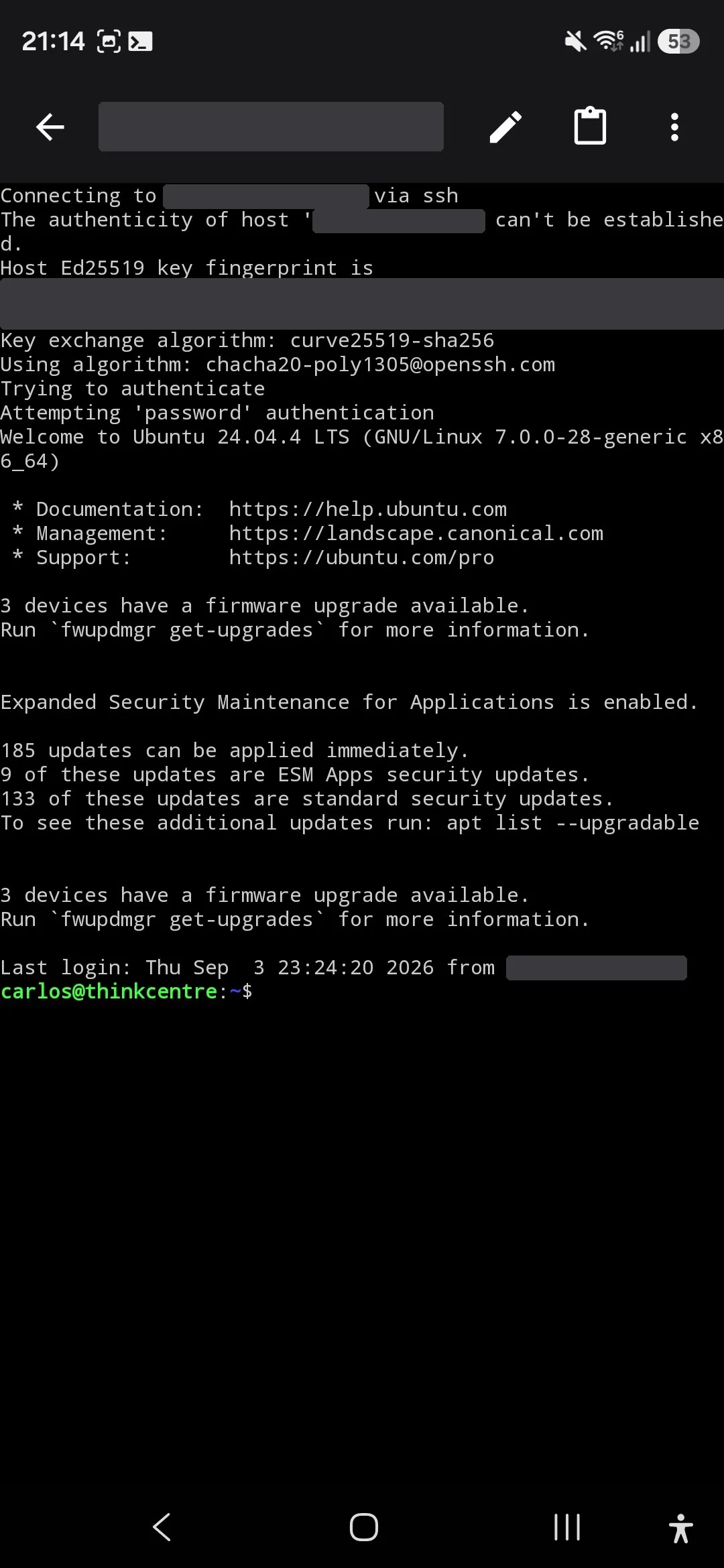
2. Connect
Tap it, accept the host key, authenticate. This is an ordinary SSH session; if you can get a shell here, everything else follows.
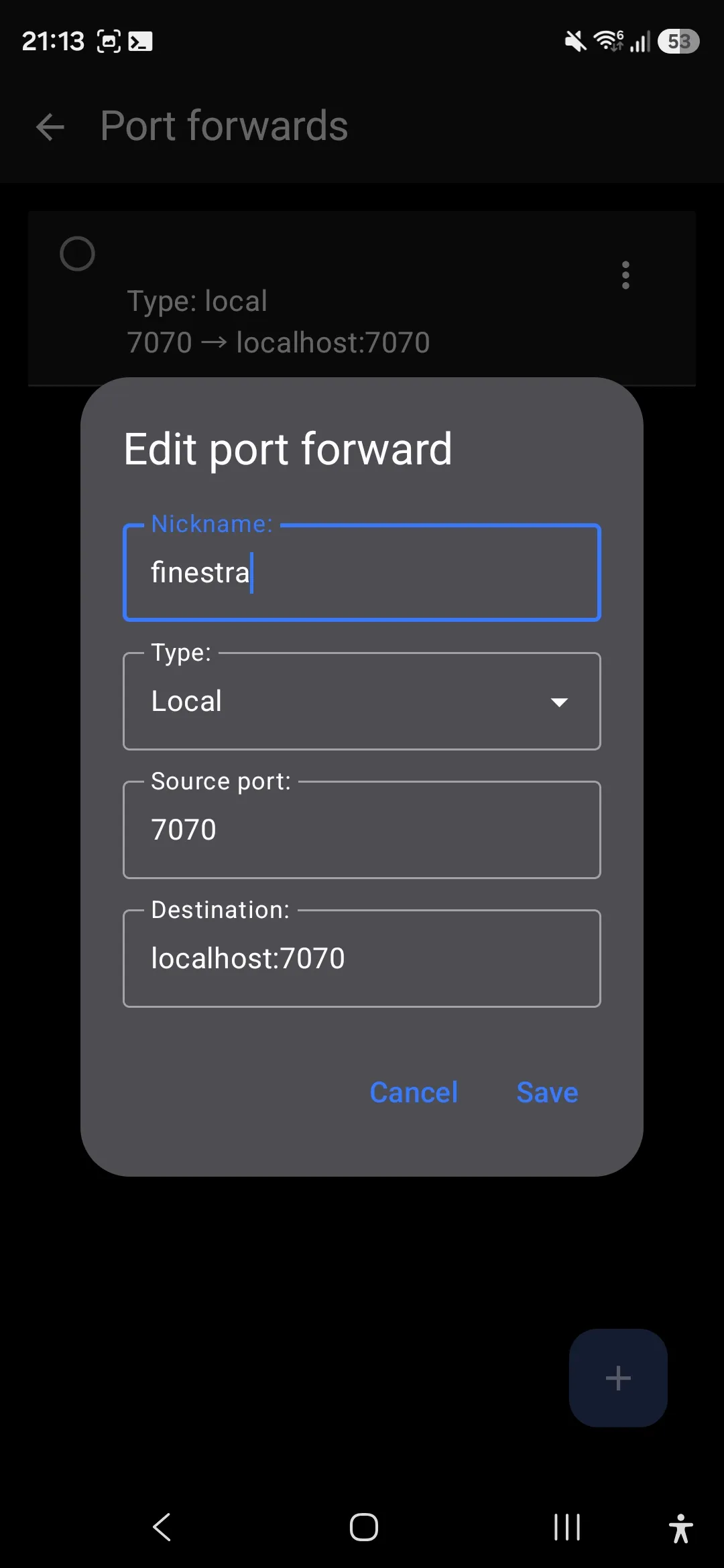
3. Create the tunnel
From the session menu, open Port forwards and add a local one. Source port
7070, destination localhost:7070 — the phone’s 7070 now lands on the
server’s, inside the encrypted connection.
That is the whole setup. There is no step four.
Open it
Leave ConnectBot running in the background and point the browser at
http://localhost:7070.
The desktop is the same desktop. Same terminal on a real PTY, same file manager, same system manager, same session — if you left a shell running from the laptop, it is still there, on the phone, mid-build.
Nothing new listens on the network to make this work. The server still has one port open, the one you were already using, and the desktop still only answers on loopback. A phone on the other side of the world is just another client of an SSH connection you would have opened anyway.